Press Kit
Everything you need to write about MediMinder. For press inquiries, contact support@duttlabs.app
About MediMinder
Short Description
MediMinder is a comprehensive medication reminder and tracking app that helps users never miss a dose. Available for iPhone, iPad, Apple Watch, Mac, and Apple Vision Pro.
Long Description
MediMinder is a powerful medication management app designed for individuals and families who want to stay on top of their health. With smart reminders, drug interaction warnings, caregiver sharing, health insights, and seamless sync across all Apple devices, MediMinder makes medication adherence effortless and even rewarding.
Version 2.0 introduces groundbreaking features including a native visionOS app for Apple Vision Pro, AI-powered health insights with adherence predictions, caregiver sharing for families, side effect tracking with correlation analysis, emergency medical card generation, refill tracking with pharmacy finder, and 19 achievements across 6 categories to motivate consistent medication taking.
The app features time-sensitive notifications, interactive widgets for iOS 17+, Live Activities on the Dynamic Island, Control Center integration on iOS 18+, and comprehensive accessibility support including VoiceOver, Dynamic Type, and high contrast themes.
Key Facts
Version
2.0.0
Platforms
iOS 17+, iPadOS 17+, watchOS 10+, macOS 14+, visionOS 1+
Price
Free / Premium $2.99/month
Languages
English, Spanish, French, German
What's New in Version 2.0
- visionOS Support - Full Apple Vision Pro app with spatial UI and floating medication cards
- Drug Interaction Checker - Automatic warnings for 500+ drug interactions
- Health Insights with AI - Personalized adherence predictions and trend analysis
- Caregiver Sharing - Share medication schedules with family members
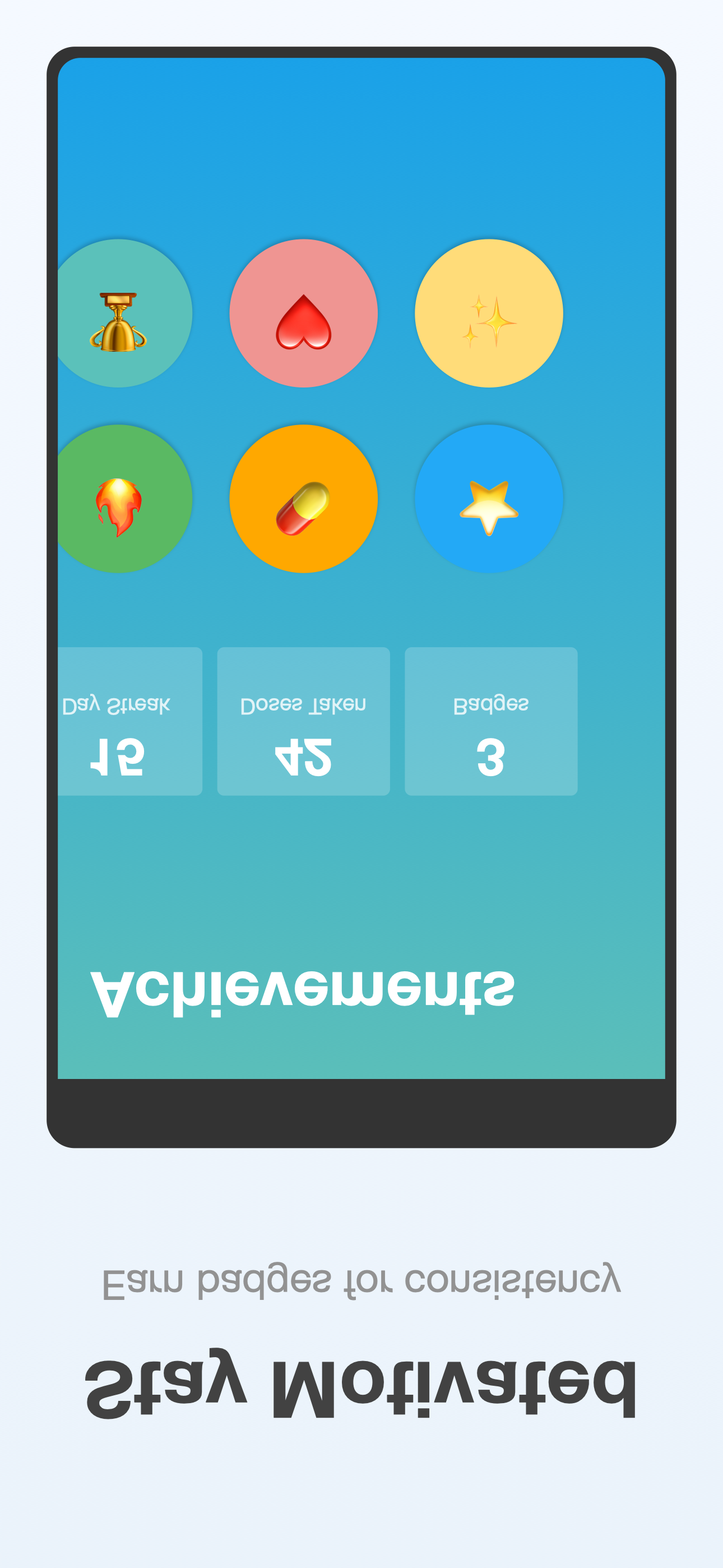
- Achievement System - 19 achievements across 6 categories to motivate consistent medication taking
- Emergency Medical Card - Generate printable/digital emergency cards
- Side Effect Tracking - Log and track symptoms with correlation analysis
- Barcode Scanner - Scan medications to add them instantly
- Refill Management - Track supply and find nearby pharmacies
- Control Center Widget - Quick actions from iOS 18 Control Center
- Focus Filters - Customize notifications for different Focus modes
- 9 Custom Themes - Including Midnight, Ocean, Forest, and High Contrast
Core Features
- Smart Medication Tracking - Add medications with dosages, schedules, pill counts, and instructions
- Reliable Reminders - Time-sensitive notifications with Take, Skip, and Snooze actions
- Drug Interaction Warnings - Automatic alerts for 500+ common drug interactions
- Health Insights - AI-powered adherence predictions and personalized trends
- Caregiver Sharing - Share schedules and get missed dose alerts for loved ones
- Achievements & Streaks - 19 achievements across 6 categories and streak tracking to stay motivated
- Side Effect Tracking - Log symptoms and identify correlations over time
- Emergency Card - Generate cards with medications, allergies, and contacts
- Refill Tracking - Know when to refill and find nearby pharmacies
- Multiple Profiles - Manage medications for the whole family
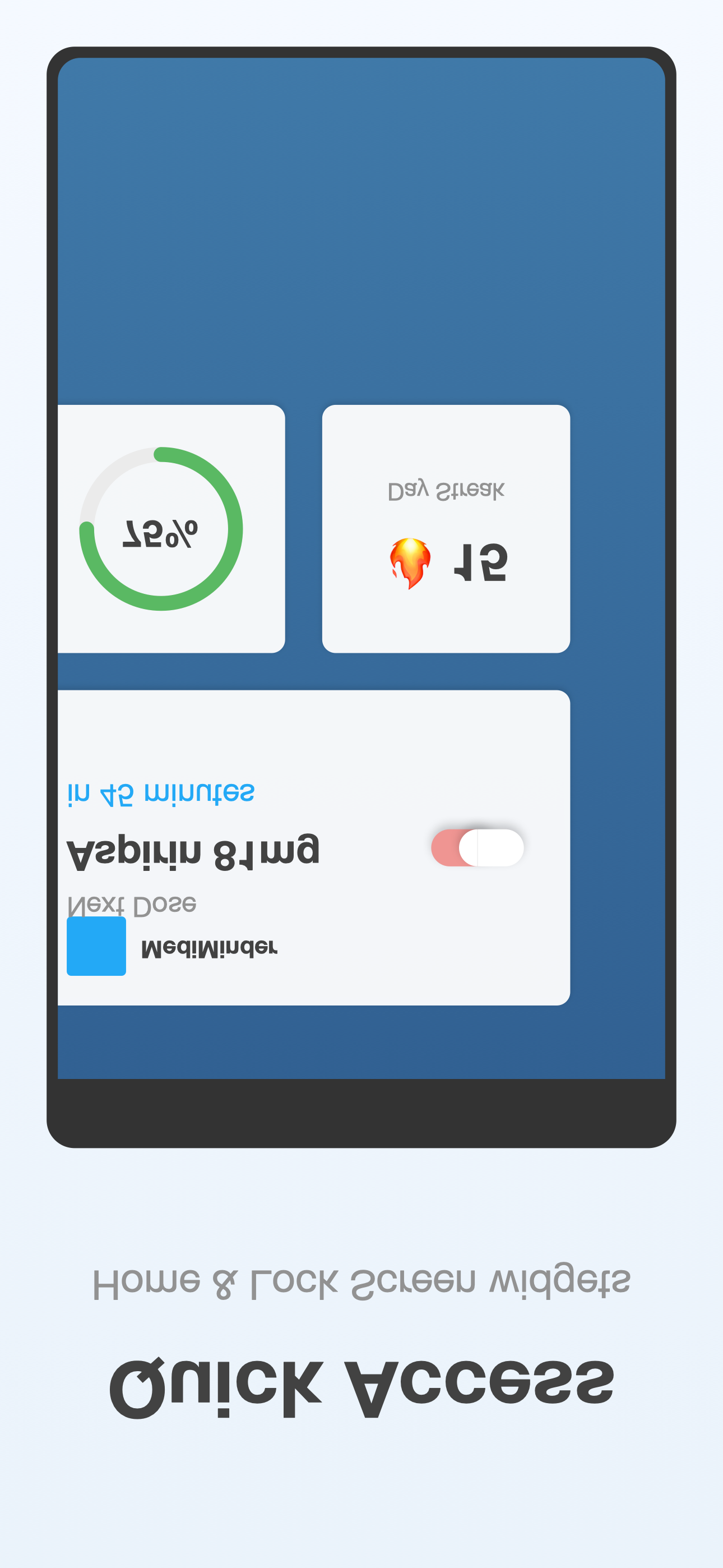
- Beautiful Widgets - Home Screen, Lock Screen, StandBy, and Control Center
- Live Activities - Dynamic Island and Lock Screen dose tracking
- Apple Watch App - Track and log doses from your wrist with complications
- iCloud Sync - Seamless sync across all your Apple devices
- PDF Reports - Generate detailed reports to share with healthcare providers
- Complete Privacy - No accounts, no data collection, all data stays on your devices
Platform Highlights
iPhone
Full-featured with widgets, Live Activities, Dynamic Island, and Control Center
Apple Watch
Independent app with complications, haptic reminders, and quick log
iPad
Sidebar layout optimized for larger screens and multitasking
Mac
Native macOS app with menu bar access and print support
Vision Pro
Spatial UI with floating cards, hover effects, and ornaments
Accessibility
MediMinder is built with accessibility at its core:
- VoiceOver - Full screen reader support with descriptive labels
- Dynamic Type - Supports all text sizes including accessibility sizes
- High Contrast - Built-in high contrast theme and system support
- Reduce Motion - Respects system motion preferences
- Large Touch Targets - Minimum 44pt interactive elements
- Keyboard Navigation - Full keyboard support on iPad and Mac
- 4 Languages - English, Spanish, French, German
Screenshots
Click to download full resolution images (iPhone 15 Pro Max)
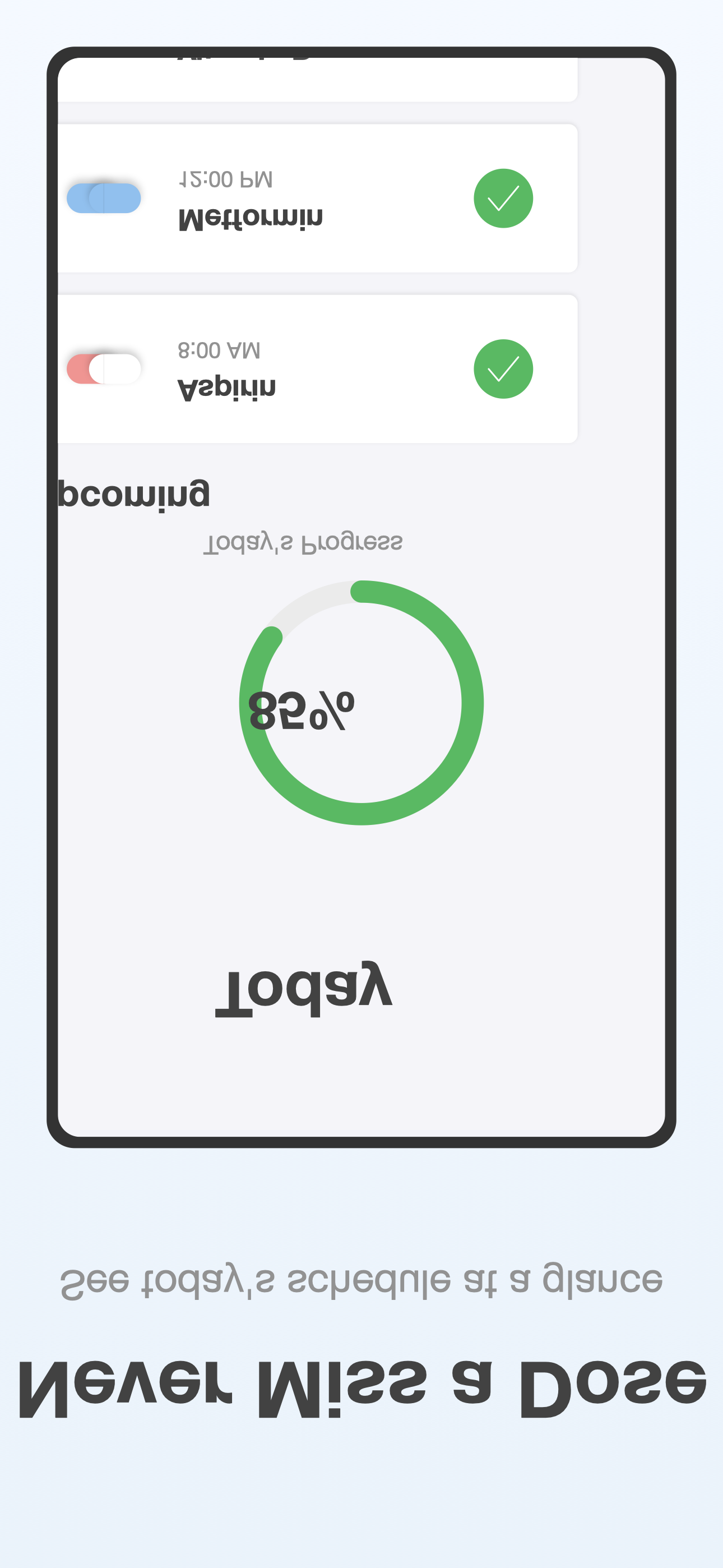
Today View
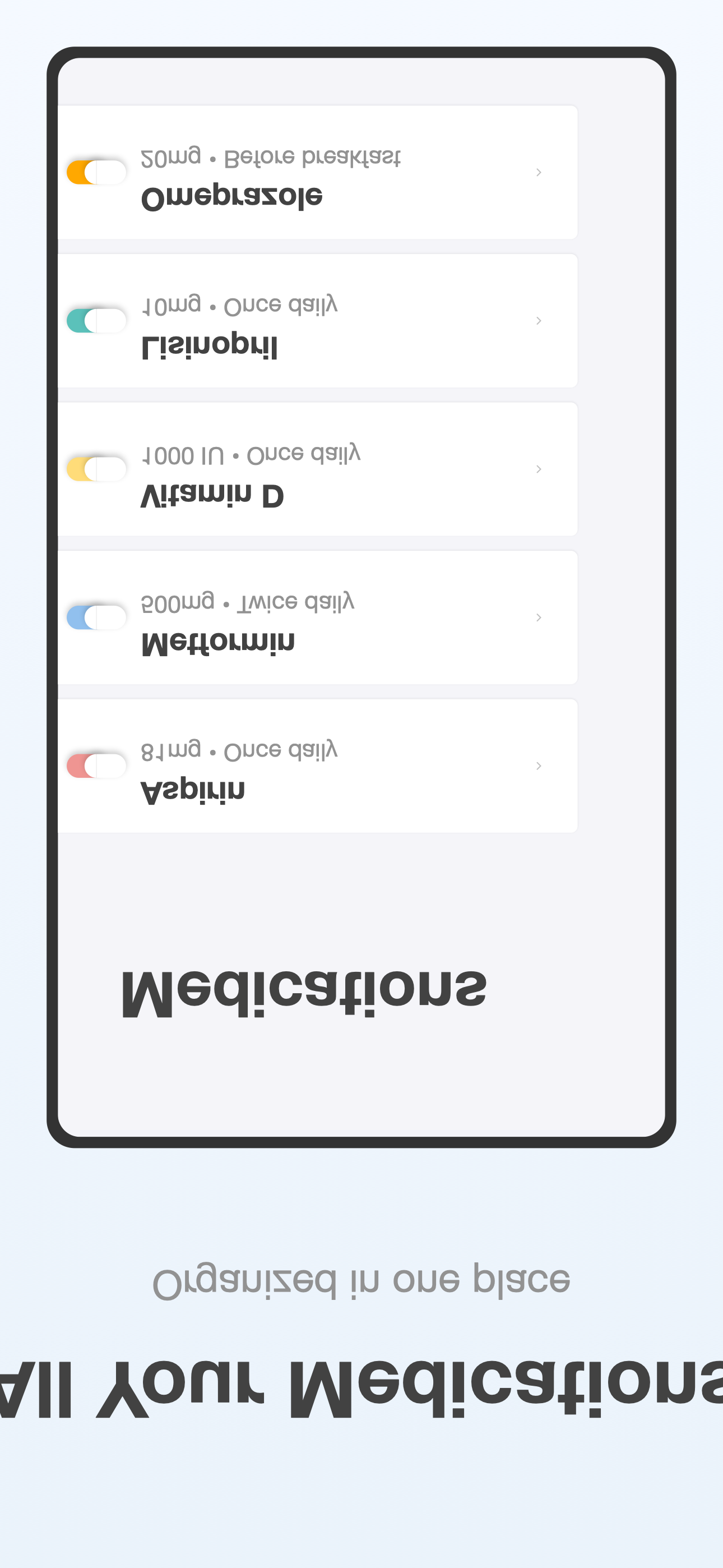
Medications List
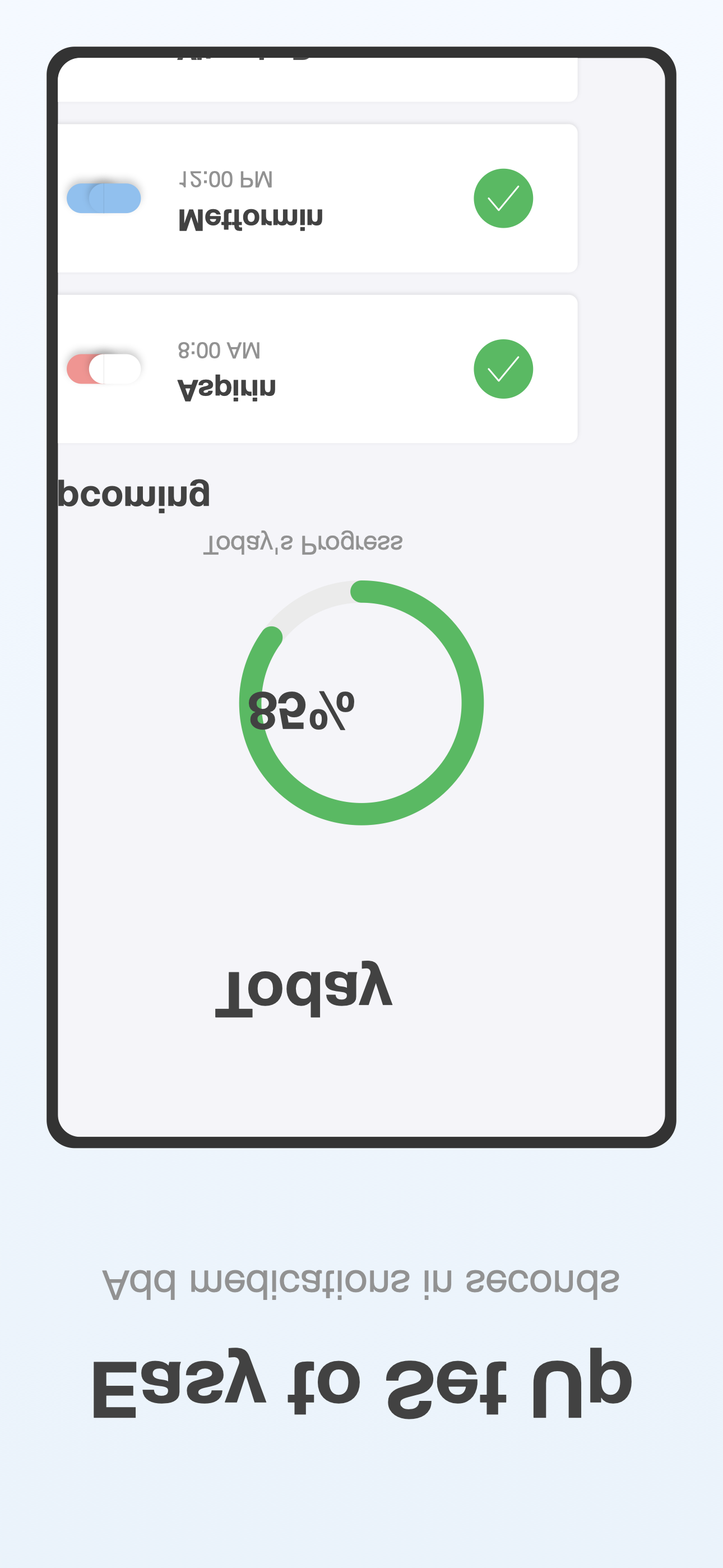
Add Medication
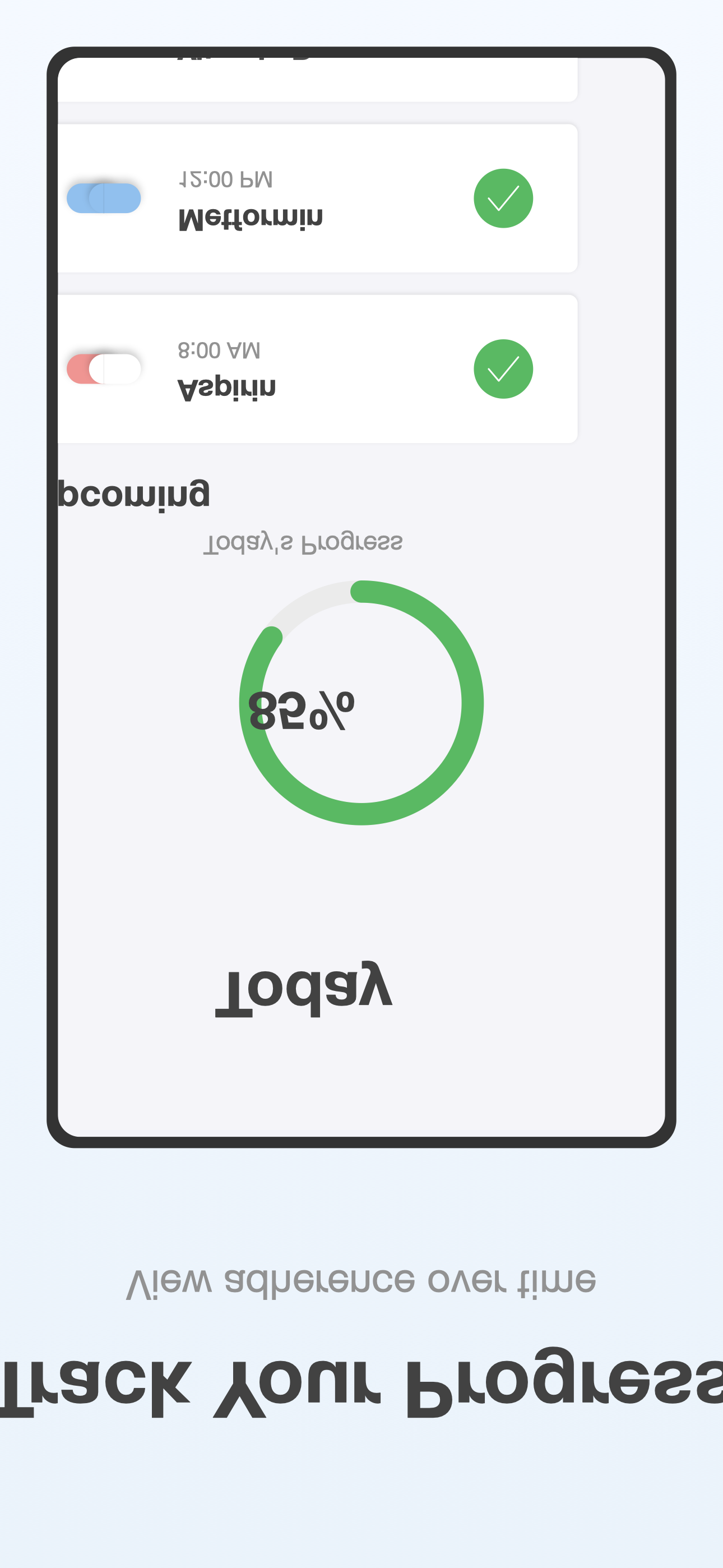
History & Analytics
Achievements
Home Screen Widgets
App Icon
Download app icon in various sizes:

Brand Guidelines
App Name
Always written as MediMinder (one word, capital M's)
Tagline
"Never Miss a Dose"
Brand Colors
Usage Guidelines
- Do not alter the app icon colors or shape
- Do not add effects like shadows or gradients to the icon
- Maintain adequate clear space around the icon
- Do not stretch or distort the icon
Technical Highlights
- Native apps for 5 Apple platforms (iOS, iPadOS, watchOS, macOS, visionOS)
- 500+ drug interactions in the safety database
- 19 achievements across 6 motivational categories
- 4 languages supported (English, Spanish, French, German)
Download Assets
Includes all screenshots, icons, and brand assets in high resolution
Contact
Press Inquiries: support@duttlabs.app
General Support: support@duttlabs.app
Website: mediminder.duttlabs.app
App Store: Download on the App Store